
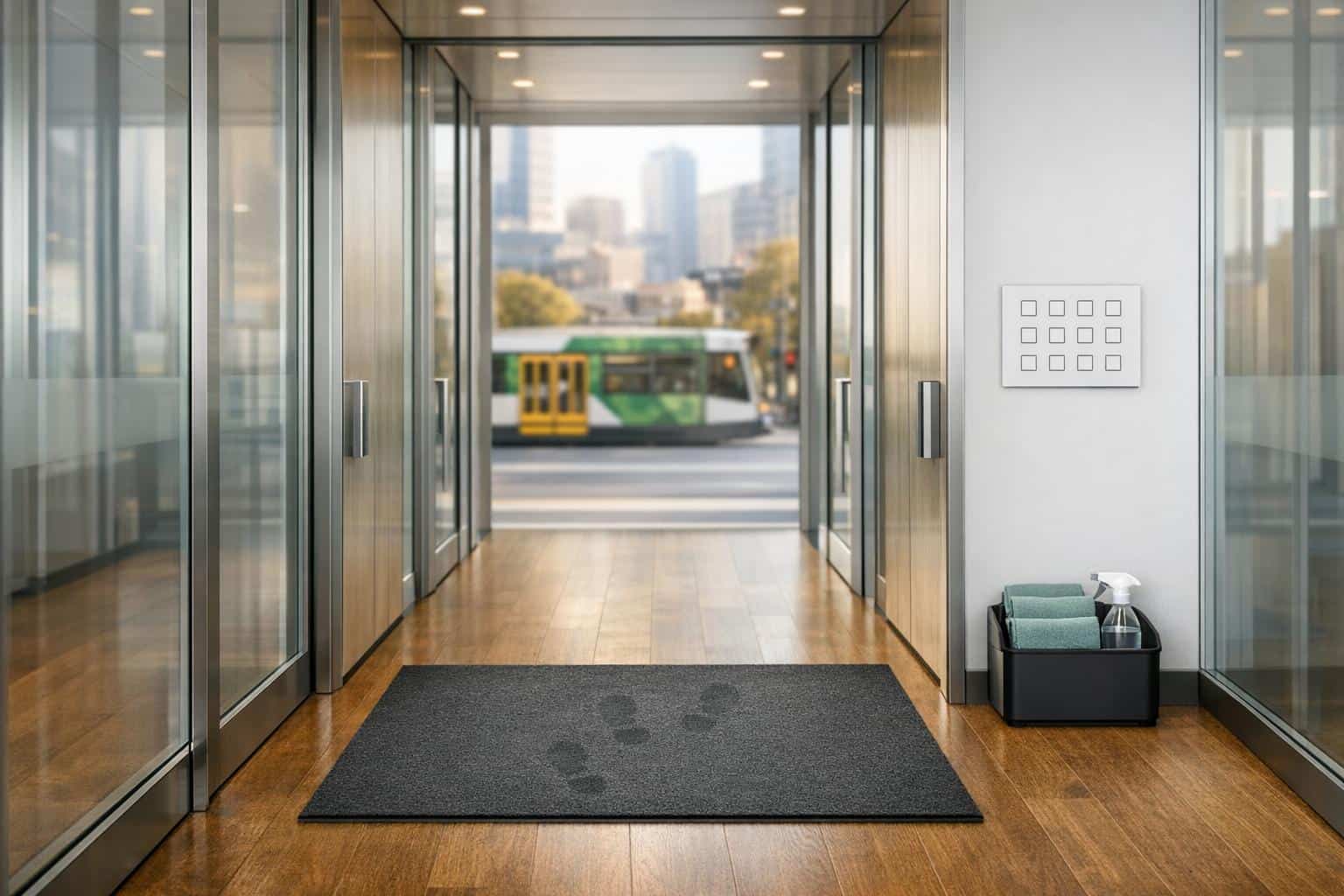
A clean office isn’t just about appearances – it directly impacts health, productivity, and how others perceive your business. In Melbourne, where unpredictable weather and urban conditions create unique cleaning challenges, daily office maintenance is essential. Here’s why:
- Health Matters: Regular cleaning reduces the spread of germs, cutting down on sick days. High-touch surfaces like keyboards and door handles are hotspots for bacteria.
- Productivity Boost: A tidy workspace lowers stress and helps employees focus better.
- Melbourne-Specific Needs: Rain brings mud, and urban dust accumulates quickly, requiring consistent attention to entryways, floors, and air quality.
- Cost Savings: Australian small businesses lose up to $30,000 annually to sick leave – cleaning can help reduce this.
Key Daily Cleaning Tasks:
- Disinfect high-touch surfaces (e.g., door handles, keyboards, lift buttons).
- Sanitise workstations and shared tech.
- Dust and clean desks.
- Empty rubbish bins and replace liners.
- Vacuum carpets, especially in high-traffic zones.
- Mop hard floors with appropriate solutions.
- Thoroughly clean and disinfect bathrooms.
- Replenish bathroom and kitchen supplies.
This checklist ensures your workspace stays hygienic, welcoming, and efficient. Start with high-touch areas, follow a top-to-bottom cleaning approach, and use eco-friendly products where possible. A well-maintained office isn’t just clean – it’s healthier and more productive for everyone.
How do I create a cleaning schedule for my office?
12 Daily Office Cleaning Tasks

12 Daily Office Cleaning Tasks Checklist for Melbourne Workplaces
These 12 tasks are essential for keeping your Melbourne office clean, professional, and free from germs, dirt, and clutter.
Task 1: Disinfect High-Touch Surfaces
High-touch surfaces are hotspots for germs. Think door handles, light switches, lift buttons, and reception counters. Then there are the less obvious spots – chair levers, fridge seals, microwave buttons, and printer touchpads – all of which need attention too.
Break it down by zones for efficiency:
- Entrance areas: Focus on push plates, handles, and lift buttons.
- Workstations: Keyboards, phones, and chair armrests.
- Kitchens: Fridge handles, kettle switches, and sink taps.
- Restrooms: Cubicle locks, soap dispensers, and flush buttons.
Use eco-friendly disinfectants to protect health while maintaining cleanliness. For restrooms, germicidal solutions are a must for thorough cleaning. When handling electronics, stick to approved disinfectant wipes to avoid damage.
| Office Zone | High-Touch Surfaces to Disinfect Daily |
|---|---|
| Entrance & Lobby | Door handles, push plates, lift buttons, reception counters |
| Workstations | Keyboards, mice, phones, chair armrests |
| Kitchen | Microwave buttons, fridge handles, kettle switches, taps |
| Restrooms | Cubicle locks, flush buttons, soap dispensers, taps |
| Shared Tech | Photocopier buttons, printer screens, shared pens, remotes |
In busy spots like kitchens and restrooms, consider disinfecting twice daily to minimise germ spread. Safe Work Australia highlights that sanitising shared equipment can reduce workplace illnesses and absenteeism.
Task 2: Sanitise Workstations and Shared Technology
Workstations and shared devices like keyboards, desk phones, and headsets require daily sanitisation. These are used constantly but often overlooked during cleaning. Use disinfectant wipes specifically designed for electronics to avoid moisture damage.
For shared devices – like conference room touchpads and monitors – select disinfectants that are safe for sensitive surfaces. As Classy Property Cleaning points out:
According to Safe Work Australia, sanitising shared equipment can reduce illness and absenteeism.
Pay extra attention to crevices where dust and germs tend to hide. This step is crucial for limiting germ transmission in shared spaces.
Task 3: Dust and Clean Desk Surfaces
Desk surfaces collect dust, crumbs, and fingerprints daily. Microfiber cloths are ideal for cleaning as they trap dust and allergens instead of spreading them around.
Clear the desk and wipe down the entire area, including edges and under accessories. Address stains or marks immediately. Match your cleaning products to the desk material to avoid damage – some surfaces can be sensitive to harsh chemicals.
In Melbourne’s urban environment, dust builds up quickly, making daily cleaning especially important for maintaining a tidy workspace.
Task 4: Empty and Replace Rubbish Bins
Daily waste removal is essential to prevent odours, pests, and overflowing bins. Empty all bins – whether at desks, in communal areas, or kitchens – and replace liners immediately.
Separate recyclables according to your office’s recycling program. Pay extra attention to food waste in kitchen bins to avoid attracting pests. This task not only keeps the office smelling fresh but also projects a well-maintained image.
Task 5: Vacuum Carpeted Areas
High-traffic carpeted zones need daily vacuuming to remove dirt and maintain a polished look. Focus on entryways, corridors, and areas around workstations. Using a vacuum with a HEPA filter helps capture fine dust particles, improving indoor air quality – especially important for Melbourne’s busy CBD offices.
Rainy days in Melbourne can bring muddy footprints and moisture, so lobbies and doorways may need extra attention during wet weather. Regular vacuuming also extends carpet life by preventing dirt from embedding into the fibres.
Task 6: Mop Hard Floors
Tiles, timber, and concrete floors need daily mopping to remove dirt, spills, and bacteria. Use the right cleaning solution for the floor type – pH-neutral for timber and germicidal for high-traffic areas. Proper training is key to ensuring the correct products are used.
Melbourne’s unpredictable weather means floors can quickly become wet and slippery. Use absorbent mops and heavy-duty mats at entrances to manage moisture. Kitchen and restroom floors, in particular, require disinfectant mopping to maintain hygiene.
Task 7: Clean and Disinfect Bathrooms
Bathrooms need thorough daily cleaning to prevent germ spread. Scrub toilets and urinals, wipe basins and taps, polish mirrors, and mop floors with disinfectant. Don’t overlook cubicle locks, flush buttons, or the underside of toilet seats.
Grout lines and corners often trap grime, so give them extra attention. Clean restrooms signal care for employees and visitors alike. As Neat Clean notes:
Maintaining a clean work environment helps limit the transmission of germs and allergens. This can result in fewer employee absences and a healthier, content staff.
Task 8: Replenish Bathroom and Kitchen Supplies
Check supplies daily to ensure restrooms have enough toilet paper, soap, and paper towels. Similarly, stock kitchens with dishwashing liquid, hand soap, and paper towels. Running out of essentials disrupts workflow and compromises hygiene.
Keep extra supplies in storage for quick restocking, and monitor usage patterns during busy periods. Classy Property Cleaning highlights:
A clean, organised workspace does more than just look good – it’s about productivity, health, and making a great impression.
Ensuring supplies are always available supports a healthy and efficient office environment.
How to Implement the Cleaning Checklist
How to Prioritise and Sequence Tasks
Start your day by focusing on high-touch surfaces like door handles, lift buttons, and shared items such as keyboards and printers. These areas are hotspots for germs and need immediate attention to minimise the risk of spreading illnesses. After that, move on to high-traffic zones like lobbies, entrances, and restrooms, as these spaces play a key role in maintaining a professional and welcoming office environment.
Stick to a top-to-bottom, dry-to-wet cleaning method to save time and avoid repeating tasks. In Melbourne, where rain is frequent, pay extra attention to entrances to manage wet floors and mud. Schedule tasks like rubbish removal and floor mopping for the end of the day or after office hours. This timing allows floors to dry overnight, leaving the space fresh and ready for the next morning. Also, restock essential supplies during the first restroom check to prevent interruptions later in the day.
Once you’ve planned the task sequence, make sure your cleaning tools are ready and suited to each step.
Required Cleaning Tools and Supplies
Your cleaning kit should include tools for general areas, restrooms, kitchens, and any specialised tasks. Microfibre cloths are a must-have for dusting and wiping; using colour-coded cloths helps prevent cross-contamination between areas like restrooms and kitchens. For floors, invest in a commercial-grade HEPA vacuum. It not only picks up fine dust but also improves air quality.
Keep germicidal disinfectants on hand for high-touch surfaces and use specialised disinfectant wipes for delicate tech equipment. For restrooms, stock tools like toilet brushes, mops, squeegees, and heavy-duty disinfectants. Kitchens require scrubbing pads, degreasers, and sanitising wipes to tackle grease and maintain hygiene. Entrance mats and effective floor-cleaning tools are also essential for managing moisture and dirt, particularly on rainy days.
Many businesses are now opting for eco-friendly cleaning products. Biodegradable and non-toxic cleaners are safer for staff and align with sustainability goals. In Melbourne, natural fragrances like eucalyptus oil are a popular choice for keeping offices fresh without relying on harsh chemicals.
Time Allocation and Safety Protocols
With tasks and tools organised, focus on allocating time wisely and following safety protocols. Divide your cleaning schedule into daily, weekly, and monthly tasks to ensure every area gets proper attention. Posting the schedule in common areas, like break rooms, can help maintain accountability. Always use safety signage, especially when mopping high-traffic areas – "Wet Floor" signs are a must. Stick to surface-appropriate, pH-neutral cleaners to avoid damaging office furniture and equipment.
As CRW Cleaning Solutions explains:
Dust follows gravity, which is why cleaning from top to bottom is the most effective method.
Keep supplies organised in mobile caddies to reduce time spent searching for tools. Set up a system for reporting low supplies or equipment problems to prevent disruptions. Regular cleaning not only ensures a hygienic workspace but can also save Australian small businesses up to $30,000 annually in sick leave costs. A well-structured routine helps maintain a clean and healthy office environment, especially in bustling cities like Melbourne.
Conclusion
Keeping a daily office cleaning routine isn’t just about appearances – it’s about protecting health, improving productivity, and showing professionalism. The 12 tasks outlined in this checklist cover everything Melbourne offices need, from sanitising high-touch areas to managing the challenges posed by Melbourne’s unpredictable weather.
As one expert puts it:
"A structured office cleaning checklist ensures every corner stays fresh and hygienic… a tidy space boosts focus, motivation, and overall workplace happiness!"
By using this checklist, you’re not just cleaning – you’re creating a healthier, more inviting environment for your team and clients alike.
Make it work for your office by customising the checklist to fit your space, assigning tasks, and making daily cleaning a non-negotiable habit. The result? A workspace that feels fresh, inspires productivity, and leaves a positive impression on everyone who walks through the door. Your team will thank you, and your clients will notice the difference.
FAQs
How long should daily office cleaning take?
Daily office cleaning usually takes 15 to 30 minutes, though the exact time depends on the office’s size and the tasks involved. Larger spaces or more detailed cleaning routines might take longer, while smaller offices with fewer tasks can often be finished faster.
What’s the safest way to disinfect computers and phones?
To clean your computers and phones safely, stick to gentle, non-abrasive techniques and avoid using too much liquid. Start by turning off and unplugging your devices. Next, take a microfiber or lint-free cloth, lightly dampened with an appropriate disinfectant, and carefully wipe down all surfaces, paying extra attention to areas that are touched frequently. For items like keyboards and phones, opt for alcohol-based wipes containing at least 70% alcohol. Let everything air dry fully before powering your devices back on.
How should the checklist change on rainy Melbourne days?
On those rainy Melbourne days, it’s crucial to keep an eye on entryways, mats, and floors. Mud and moisture can easily be tracked indoors, creating slippery surfaces and increasing the risk of mould. Make it a habit to clean up any mess promptly and dry the affected areas thoroughly. This simple step keeps your workspace safer and more hygienic for everyone.
Leave a Reply